
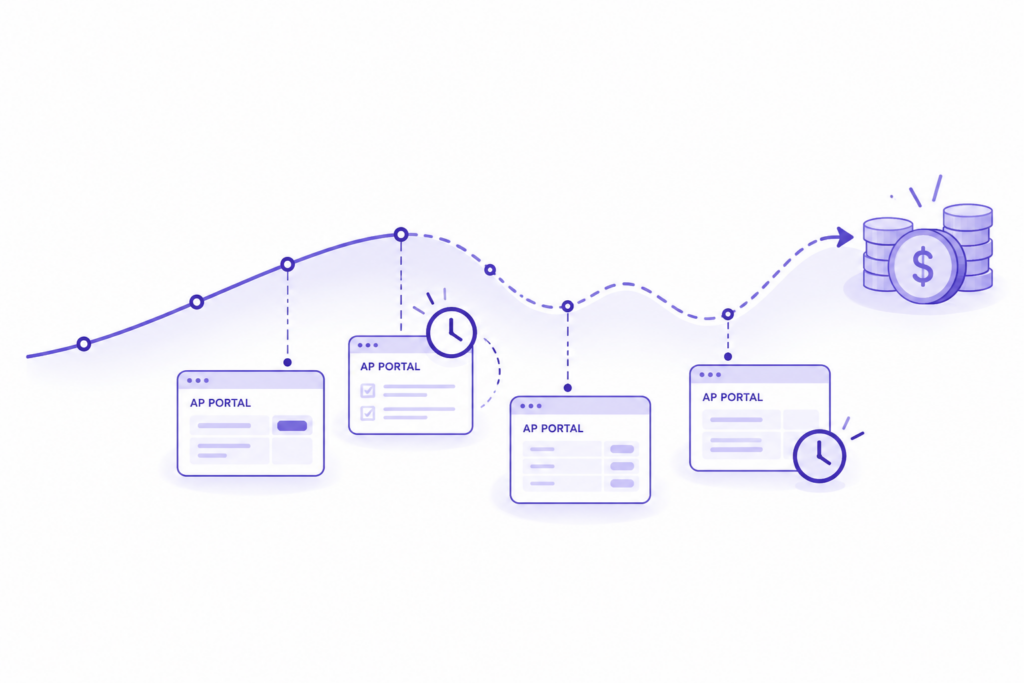
Accounts receivable forecasting tells you when the money your customers owe will reach your bank, invoice by invoice. Most of it starts with the aging report: the due date, which you adjust for how late each customer usually pays. For every customer who submits invoices through an AP portal, that starting point is off, because your ERP’s due date assumes the customer accepted the invoice the day you sent it.
If you own the 13-week cash flow forecast, this is the part of it that moves without telling you. The customer’s portal knows whether it accepted your invoice, sent it back, or approved it, and for many invoices, the exact day they’ve scheduled the payment. Your forecast sees none of that. A finance manager at an industrial automation distributor described what her collections colleague has to find out, portal by portal, before she can say anything about a single invoice: “Has it been entered in the portal? Did they magically reject it afterward? Okay, but is it accepted for payment? But when did they do that? And when are they actually going to pay?”
Those five questions are the forecast. Answer them for every portal invoice, and the numbers start matching the bank.
What is accounts receivable forecasting?
Definition
Accounts receivable forecasting
Estimating when each open invoice will turn into cash, using its due date, the customer’s payment history, and the invoice’s current status in the customer’s system. It is the receivables half of a cash flow forecast, and for most B2B suppliers the largest inflow in it.
Finance teams have found this hard for a while, and it’s getting harder. In the 2026 AFP Treasury Benchmarking Survey, cash and liquidity forecasting remains treasury’s most-cited challenge, named by 49% of respondents. Strategic Treasurer’s 2025 Cash Forecasting & Visibility Survey, as reported by CTMfile, found 53% of organizations now call forecasting difficult, up from 39% in 2018.
The usual method takes each open invoice, adds the customer’s average days late to the due date, and drops the result into a week. That works for customers who pay from an emailed PDF. It breaks for customers who pay through a portal, because the average hides the one fact that decides the date.
Where the forecast breaks: the due date assumes acceptance
In your ERP, an invoice is open from the day you issue it, and its due date starts from that date. In a customer AP portal, the invoice remains hidden from the customer’s AP team until it is accepted, and for many enterprise customers, payment terms begin upon acceptance or approval. Two invoices with the same due date in your aging can be weeks apart in the customer’s system.
What the due date leaves out
Three things happen inside the portal that your forecast can’t see:
A rejection keeps its old due date. An invoice that bounced on a PO mismatch still sits in your aging as current. Your forecast counts it in week 6 while the customer’s system won’t pay it at all until someone fixes and resubmits it. The person who handles portal billing on the same team put the timing plainly: “I always make sure that the invoice is received and submitted and approved. And then a month later, I find out it was rejected.” This is why “sent” doesn’t mean “accepted,” and why a forecast that runs on “sent” is wrong for exactly the invoices that matter.
Approval eats the terms. Atradius’s 2026 survey of US B2B payment practices names slow internal approval processes as a common reason customers pay late, and reports that customer payment problems leave US suppliers struggling to plan their cash flows. An invoice sitting in Pending Approval with an approver on leave looks identical to one the customer is about to pay.
The customer already set the payment date elsewhere. Once a customer approves an invoice, many portals show a scheduled payment date. That is the most precise number anyone will ever give you about that cash, and it lives behind a login your forecast never opens.
How teams patch this by hand today
Most teams patch this by hand. The finance lead at a staffing firm said it on a call this month: “I’m forecasting based on human beings entering numbers.” At a material-handling equipment dealer, the team pulls the AR aging, exports what it can from each portal, and runs a lookup to mark every invoice as submitted, approved, or rejected. It works until someone’s out for a week. Imagine‘s billing team lived the same problem before automating it.
Customer Quote
“We were dealing with a few missed delivery invoices to the portals and also a lot of rejections. It was a manual process.”
— Yenny Garcia, Manager, Billing, Imagine
Time each invoice by its portal status
The fix is to time each portal invoice by where it actually is in the customer’s system. Each status says something different about when the cash will land:
| Portal status | What it tells your forecast | How to time the cash |
|---|---|---|
| Not yet submitted, or Processing | The customer doesn’t have the invoice, so its terms haven’t started | Submission date plus terms. Keep it out of this week |
| Uploaded, not yet accepted | The portal has it, and it can still bounce | Due date only for customers whose invoices pass on the first try. For the rest, add one resubmission cycle |
| Rejected | Nothing pays until it’s fixed, and terms restart with many customers | Take it out of the period. Put it back at the new acceptance date plus terms |
| Pending Approval | Accepted and waiting on the customer’s approvers | Due date plus this customer’s usual approval time |
| Approved, no payment date yet | Approved, waiting for the next payment run | Approval date plus this customer’s approval-to-pay lag |
| Scheduled Payment or Confirmed Payment Date | The customer has set the date | Use the portal’s date. This is your highest-confidence cash |
| Stuck or Exception | Something is blocking it that nobody has fixed | Exclude it and give it an owner |
The table changes what goes into the forecast. An aging-based forecast is one number per invoice. A status-based forecast is a number plus a confidence level, and it tells you which part of next month’s cash the customer has already scheduled and which part is still a hope.
Why It Matters
A rejected invoice counted as current makes the forecast too high in the week it was due and too low in the week it finally pays. Multiply that by every portal customer, and the variance you explain to your CFO every month has a cause you can see.
How to rebuild AR forecasting around portal status
Split portal customers from the rest
Start by marking which customers pay through a portal and which portal it is. Their invoices get forecast by status. Everyone else can stay on the aging method you use today.
Read every portal invoice’s status at least weekly
A forecast is only as fresh as its last status check. Weekly works most of the year. In the last two weeks of a quarter, when your CFO is asking every day, read them daily. Pulling those statuses into one place, instead of logging into each portal, is what an AR dashboard built on the portals themselves is for.
Learn each customer’s approval-to-pay lag
Some customers pay within a week of approving. Others hold approved invoices for the month-end run. Your own history shows it: compare the date each invoice was approved in the portal with the date the payment landed, customer by customer. That lag is a far better predictor than the average days late in your aging, because it starts from a fact. Tracking it next to the other order to cash metrics shows you where the days between invoice and cash go.
Report the forecast in confidence layers
Give your CFO four lines in place of one: scheduled (the portal shows a date), approved (date predicted from the customer’s lag), in approval or uploaded (date predicted from status), and at risk (rejected, stuck, or a PO with no funds left). The first line is cash you can plan around. The last line is where collections should spend its week.
Key Takeaway
For customers who pay via AP portals, accounts receivable forecasting is only as good as the status data it relies on. Forecast each invoice based on its status in the customer’s portal, and report scheduled cash separately from cash you are still predicting.
For collections: the forecast is also your call list
The same status data that fixes the forecast decides who to call. An invoice with a scheduled payment needs no call at all. One sitting in Pending Approval past this customer’s usual time needs the approver’s name. A rejection needs a fix today, because every day it waits pushes the cash further out. A finance contact at a testing and inspection company described invoices that bounce on a missing or expired PO this way: “There are sometimes delays in that process getting surfaced up to our collections team.” With statuses in one view, collections stops finding out last. Sorting which invoices can be paid now from the ones waiting on the customer is the first job of the week, and it’s the same sort your forecast already made.
How Monto feeds portal status into your cash forecasting
Monto gives each of your customer relationships its own AI agent, and that AI agent works inside the customer’s portal the way your billing team does today, whether that portal is Ariba, Coupa, Tipalti, Tungsten, or one of 600+ other customer AP portals. It submits each invoice in the format the customer expects, then reads it back. Statuses, rejection reasons, PO balances, and the scheduled and confirmed payment dates each customer sets all come back to one place, and they can flow into your ERP the same way, so the forecast your team builds starts from what the customer’s system says today.
That changes what a forecast review sounds like. Rejections show up the day they happen, along with the reason the portal gave, while there’s still time to fix them inside the period. A PO running out of funds gets flagged before the invoice that would bounce off it. And the scheduled line of your forecast comes straight from the portals. The full flow, from ERP to payment, is laid out in our guide to order to cash automation for customers who use AP portals. At Imagine, the AR team cut tDSO by 34%, from 44 days to 29, and finance leadership can see the same view the billers work from.
Customer Story
“It’s not just the biller. It’s not just the supervisor. It’s corporate leadership being able to peek in and see what’s going on.”
— Chelsea Shepherd, Director, Credit, Collections, and Billing, Imagine
The portal already knows when your customers will pay you
Your customers decide when to pay your invoices inside systems you can log into, but your forecast can’t read. Every number you need is there: accepted, rejected, approved, scheduled for the 14th. A forecast that reads those statuses rests on decisions your customers have already made, and it keeps the guesses on their own line where everyone can see them.
See every invoice status and scheduled payment date across your customer AP portals in one place, and forecast from what your customers have already decided.
Talk to our team about your cash forecast →FAQ
What is accounts receivable forecasting?
Accounts receivable forecasting estimates when each open invoice will turn into cash, using its due date, the customer’s payment history, and the invoice’s current status. It is the receivables part of a cash flow forecast. For customers who pay through AP portals, the portal status is the most reliable source.
What is the difference between AR forecasting and a cash flow forecast?
AR forecasting predicts the inflows from customer invoices. A cash flow forecast sums all inflows and outflows, such as payroll, supplier payments, debt, and taxes, to show the cash position week by week. For most B2B suppliers, AR forecasting is the largest and least certain line in it.
Why is cash forecasting harder when customers use AP portals?
The facts that determine the payment date are available in each customer’s portal: whether the customer accepted, rejected, or approved the invoice, and when they scheduled the payment. Your ERP keeps counting from the invoice date, so rejected invoices still appear current, and approved invoices have no payment date.
How do I know when a customer will actually pay an invoice in their AP portal?
Check the invoice’s status in the portal. If it shows a scheduled payment or a confirmed payment date, use that date. But if the customer approved it without one, add that customer’s usual time from approval to payment, based on your own history. If it bounces or stalls, it won’t pay until someone fixes it and resubmits it.
Which portal statuses matter for a cash forecast?
Not yet submitted, Uploaded, Rejected, Pending Approval, Approved, Scheduled Payment, Confirmed Payment Date, and Stuck. Each one moves the expected payment date differently, and only a scheduled payment date gives you the date outright.
How often should you update accounts receivable forecasting?
Weekly for most of the year, with portal statuses read before each update. In the last two weeks of a quarter or fiscal year, update daily, because rejections and approvals that land in those weeks decide which period the cash falls in.