
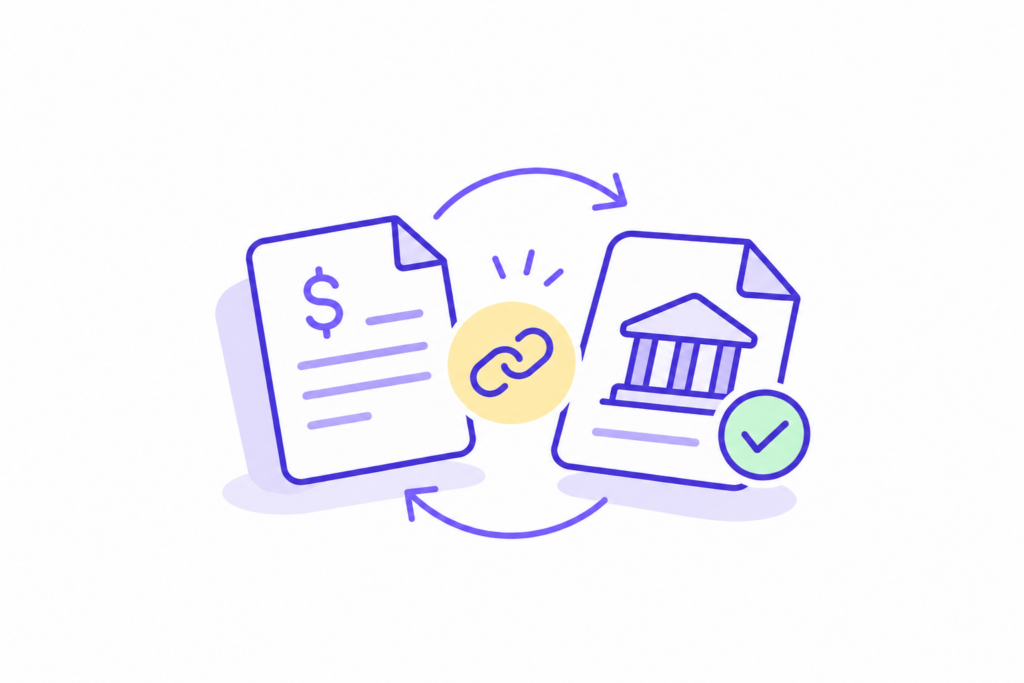
Remittance advice is the note a customer sends with a payment. It shows which invoices the payment covers and why the amount paid differs from what you billed.
Cash lands in your bank account without it all the time. The note is somewhere else. It might be an email to a shared inbox or a PDF from the customer’s bank. Or it’s a payment record in a customer AP portal nobody on your team has opened.
If you work in cash application, you know the cost. A payment with no remittance sits as unapplied cash. The invoices it paid still look open, and someone in collections calls a customer about a bill they settled last week. This guide shows where remittance advice hides, what to read on it, and how to match it to the payment in a few steps.
What is remittance advice?
Definition
Remittance advice
A document or data record that a customer sends to a supplier. It lists the invoices a payment covers, the amount applied to each, and any deductions or adjustments. The supplier uses it to apply the payment to the right open invoices.
The meaning of remittance advice is the same, regardless of the method of payment or format: paper stub, email, or file. It answers one question for your AR team: which invoices did this money pay? Payment remittance is the wider term: the payment plus its payment details. In daily AR work, people use both for the note that explains the deposit.
A remittance advice is different from an invoice. The invoice is your request for payment. The remittance is the customer’s answer, sent with or after the money, and it uses their numbers, their dates, and their reasons.
What a remittance advice example contains
Whatever the format, remittance advice includes the same core fields. Here is a remittance advice example for a single payment covering three invoices:
| Field | Example | What you use it for |
|---|---|---|
| Payer | the customer’s legal entity, not the trading name | Find the right customer account |
| Payment reference | ACH trace number or check number | Tie the note to the bank deposit |
| Payment date and amount | 4 Nov, $48,250.00 | Match to the bank line |
| Invoice numbers paid | INV-10431, INV-10446, INV-10452 | Close the right open items |
| Amount per invoice | $18,000.00, $21,500.00, $9,750.00 | Spot a partial payment |
| Deductions | $1,000.00 on INV-10452, code “PRICE” | Start a short-pay review |
| Customer’s own reference | their PO number or voucher ID | Match when your invoice number is missing |
The last two rows cause most of the work. A deduction code means nothing until you know that customer’s code list. Some AP teams use their own voucher ID rather than your invoice number. Then the remittance information is there. You just can’t read it without their records.
Where remittance advice hides
Customers send remittance advice through four channels, and most AR teams receive all four at once.
With bank payments. ACH payments can include remittance information in addenda records, whereas wire transfers have a short remittance field. Many arrive with only a short reference, and the details travel separately.
Paper checks are still common. Citing the AFP’s 2025 survey, Nacha reports that checks make up 26% of B2B payments, down from 81% in 2004. A check stub is a remittance, as long as someone scans it.
By email. A customer’s AP system emails a PDF or a spreadsheet to whatever address it has on file. If that email address belongs to someone who has left, the remittance goes nowhere.
In a lockbox file. If your bank runs your lockbox, it sends a file with check images and the scanned stubs. The data is only as good as the scan.
Inside the customer AP portal. This is the channel most teams forget. When a customer pays through Coupa, Ariba, Tungsten, or Tipalti, the portal records the payment against each invoice. Dates and adjustments are there too.
The email notification, when there is one, says a payment was made. The detail stays in the portal.
At Demandbase, the billing team worked this way across its portals before Monto, one portal at a time:
Customer Quote
“We used to receive notifications from our portals, and after looking at that billing queue, we used to log into that portal and maintain that information in a Google file.”
Srikanth Kota, Billing Manager, Demandbase
That is the problem with portal remittance. It exists, it is accurate, and it sits behind a login. Our guide to tracking outstanding invoices across portals shows what each portal displays after you submit.
How to match remittance advice to the payment
Matching takes five steps. The order matters, because each step narrows what the next one has to search.
1. Start from the bank line
Take the deposit from your bank statement: amount, payment date, payer name, and reference number. You match everything else to this, because the bank line is the one record you know is complete.
2. Find the remittance in the right channel
Search the channel that the customer uses. Keep a short list per customer: “remits by ACH addenda”, “emails PDF to AR inbox”, “remittance in Ariba”. For portal customers, open the payment record and look for the payment reference or the amount.
3. Apply line by line
Apply each amount to the invoice it names. If the remittance only provides the customer’s PO number or voucher ID, match it to the PO on your open invoices. This is where cash application either moves fast or stalls.
4. Log every difference
When the payment is less than the invoices it covers, record the gap per invoice, with the customer’s reason code. Don’t write it off, and don’t leave it open without a note. Short payments have their own playbook in our piece on reducing short payments.
5. Close the loop with collections
Tell collections which invoices are paid that day. An invoice that shows open after it was paid costs you twice: a wasted call, and a customer who wonders why you don’t know.
Key Takeaway
Remittance advice shows which invoices a payment closed. Start every match from the bank line. Look for the remittance that the customer sends, including their AP portal. Log every difference on the day the payment lands.
When the remittance is missing
Sometimes there is no remittance at all. In October, a finance director at a mid-market services group asked us a fair question. How do you chase a short payment with no reason on the note? The answer starts before the payment.
Ask each customer at onboarding how they send remittances and to which address. For portal customers, the answer is “it’s in the portal”. Make sure someone on your team has access and knows where the payment screen is.
When a payment arrives with nothing, match by amount against that customer’s open invoices. Then confirm with their AP team before you apply it. A guess that turns out wrong costs more to unwind than a day’s wait.
Portals make one part of this easier: the payment record is there even when no email arrived. Our piece on payment reconciliation from portals covers what that record contains.
How Monto helps with portal payments
Monto is your team’s AI co-worker for invoice-to-cash. It covers Coupa, Ariba, Tungsten, Tipalti, and more than 600 other customer AP portals. It submits each invoice to the correct recipient, then follows up until it’s paid.
The payment status, scheduled payment date, and portal payment date for each invoice all point to one source of truth. Your cash application team knows a portal payment happened before the bank file arrives.
At Invoca, the CFO described the goal in one line:
Customer Story
“Monto greatly helps Invoca achieve its goal: we create the invoice in our ERP, don’t do anything else, and the payment just appears in our bank account.”
Mike, CFO, Invoca
Matching each payment to its invoices is handled by your team and your ERP or accounting software. What changes is where the information is kept: in one place, instead of behind a login for each customer. That is the first step from invoice to cash, and our overview of invoice-to-cash shows where it fits within the overall process.
Every deposit is a question
Whether a payment is remitted is a question your team has to answer before the cash is really yours. Know where each customer sends their answers, including the customer AP portals you never log in to. Then the question takes minutes instead of days.
See every portal payment and its date in one place, next to the invoice it was paid for.
Talk to our team about portal payments →FAQ
What is remittance advice?
Remittance advice is a document or data record a customer sends with a payment. It lists the invoices the payment covers, the amount applied to each, and any deductions. The supplier uses it to apply the cash to the right open invoices.
Is a remittance advice the same as an invoice?
No. The invoice is the supplier’s request for payment. The remittance advice is the customer’s record of what they paid against it, sent with or after the money.
Where do I find remittance advice for a portal payment?
In the customer AP portal. Coupa, Ariba, Tungsten, and Tipalti record the payment against each invoice. The portal’s email notification, if one arrives, says a payment was made. The invoice-by-invoice detail stays in the portal.
What should I do if a payment arrives with no remittance advice?
Match by amount against that customer’s open invoices and check their AP portal for the payment record. Confirm with their AP team before applying. Log the payment as unapplied cash until the customer confirms it.
Who sends remittance advice, the customer or the bank?
The customer. A bank can pass remittance information along with an ACH payment, or scan check stubs in a lockbox file. The content still comes from the customer’s AP system.