
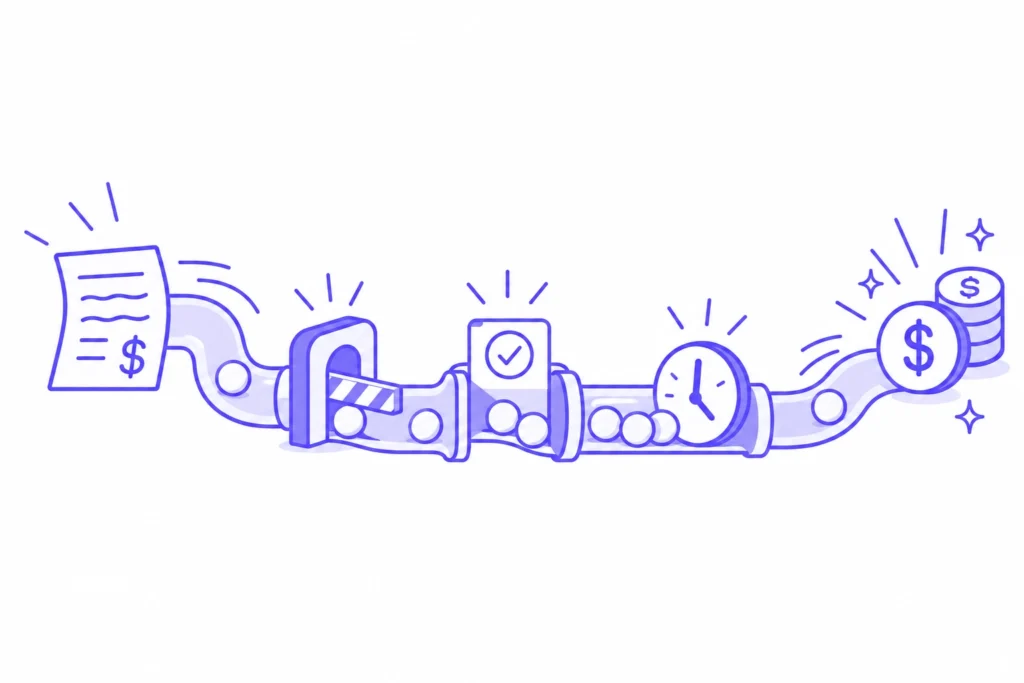
Invoice to cash covers everything that happens between issuing an invoice and applying the payment in your ERP. Most definitions describe it as a handful of tidy stages. If your biggest customers pay through customer AP portals, you already know the real cycle has more moving parts than that, and most of them sit inside systems you don’t control.
This guide follows one invoice through the invoice-to-cash process, shows where it tends to stall after it leaves your ERP, and covers the numbers and the software that keep it moving.
What is invoice-to-cash?
Definition
Invoice-to-cash (I2C)
The part of accounts receivable (AR) that runs from issuing an invoice to collecting the payment and applying it to the right open item. It covers invoice creation, delivery, customer approval, payment, and cash application, and how fast it moves shows up directly in days’ sales outstanding (DSO).
Invoice-to-cash is a slice of order-to-cash. Order-to-cash starts earlier, when a customer places an order, and pulls in credit checks, order management, and fulfillment. Invoice-to-cash starts the moment there’s something to bill, which makes it the stretch your AR team owns from start to finish.
It’s also where days quietly go missing. The work looks finished once the invoice leaves your ERP, but the cash still has a long way to travel.
| Invoice-to-cash | Order-to-cash | |
|---|---|---|
| Starts at | Invoice issued | Customer order received |
| Ends at | Cash applied | Cash applied and reported |
| Covers | Delivery, approval, collections, cash application | Credit, order management, fulfillment, billing, plus everything in invoice-to-cash |
| Usually owned by | Billing, collections and the AR manager | Finance, sales operations and AR together |
| Headline metric | DSO | Order-to-cash cycle time |
What happens to an invoice after you hit send?
After you send it, an invoice still has to be accepted, approved, scheduled, and paid before any cash lands. For portal customers, every one of those steps happens inside the customer’s system, on the customer’s rules. Here’s the full path one invoice takes.
Created in your ERP
The invoice pulls its details from the order and the contract: amounts, line items, tax, and the purchase order (PO) number your customer expects to see. A mistake here costs a few minutes to fix before sending and a few weeks to fix after.
Submitted in the portal’s required format
For a customer who takes invoices by email, sending is one step. For a portal customer, someone on your team logs into Coupa, Ariba, or whatever the customer uses, uploads or rekeys the invoice, maps each field to that customer’s setup, and attaches the documents they request. Two customers on the same portal can configure it very differently, so knowing Coupa once doesn’t mean you know Coupa for every customer. This is the step most order-to-cash models skip, and it’s usually the one costing you the most days.
Accepted or rejected
The portal checks the invoice against the PO and its own validation rules. If it passes, it enters your customer’s accounts payable queue. If it fails, it sits in the portal as rejected until someone on your team logs in and notices. Your aging report started counting on the invoice date either way, which is why sent doesn’t mean accepted.
Approved and scheduled
Inside your customer’s AP team, the invoice goes through their approval workflow and gets matched to the PO and, often, a goods receipt. Once approved, it’s scheduled for payment against your terms. Keep an eye on anything sitting at “approved, no payment date.” It looks healthy in the portal, and it’s still unpaid.
Paid and applied
The payment arrives, often with the remittance details elsewhere than on the invoice itself. Cash application matches the payment to the open invoice and closes it out. Short payments and deductions reopen the work and send it back to collections.
Why it matters
With many portal customers, the payment clock starts when the invoice is accepted. Every day lost between sending and acceptance gets added straight to DSO, and no collections email can win it back.
Where does invoice-to-cash slow down?
Most delays in the invoice-to-cash cycle occur in the gap between your ERP and your customer’s portal, where no one on either side is watching the clock. These are the four places where gaps most often appear.
Rejections over small mismatches
A missing PO number, a line total a few cents off the PO, a tax field in the wrong place, or a PO your customer changed without telling you. Each one bounces the invoice back, and each one is fixable in minutes once someone sees it. Here’s why portal invoices get rejected and how to fix each cause.
A login for every customer
Every portal customer means another username, another password that expires and another multi-factor authentication code, often landing on one person’s phone. When that person is out sick or leaves, submissions to that customer stop until someone works out how to get back in.
Invoices with no visible status
To find out what’s overdue across 30 portals, someone opens 30 portals. Each status report comes back in a different layout, and then it all has to be matched against open items in your ERP by hand. Exceptions are often found late, on a collections call, where the customer explains the invoice was rejected three weeks ago.
Approved invoices that never get a payment date
The approval went through, but the invoice missed the payment run, or the bank details on file don’t match. Nothing in the portal flags it as a problem, so it waits until someone asks why the cash never came.
Which metrics show your invoice-to-cash process is working?
DSO tells you that cash is late. To see where it got stuck, track a few stage-level numbers next to it. These are the ones that matter most once portals are involved, and they slot into the wider set of order to cash metrics you may already report on.
- DSO: the headline number for the whole cycle, and the one your CFO watches.
- Submission-to-acceptance time: the days between the invoice date in your ERP and the acceptance timestamp in the portal. It’s often the biggest hidden chunk of DSO.
- First-time acceptance rate, per portal: the share of invoices accepted without a correction or resubmission. Measure it per customer setup, because a blended rate hides the fact that one customer is rejecting a third of what you send.
- Rejection-to-resubmission time: how long a rejected invoice sits before it is resubmitted. Anything measured in weeks points to a monitoring gap.
- Share of open invoices with a known status: if you can’t see where an invoice is, your collections team can’t chase it in time.
What should invoice-to-cash software cover?
Invoice-to-cash software should carry an invoice from your ERP to applied cash, including every step inside your customers’ portals, without your team re-keying anything. Plenty of tools handle collections, emails, or cash application well and stop at the portal login screen. When you evaluate invoice-to-cash automation, check how far it actually reaches:
- Portal coverage: it works with the portals your customers use, including the obscure one your largest account runs, set up per customer connection.
- Format accuracy: it submits each invoice in the exact format each customer requires, so your first-time acceptance rate goes up.
- Status in one place: it pulls status back from every portal and matches it to your ERP, so you see every invoice, PO, and payment in a single view.
- Rejection handling: it catches rejections, fixes what it can, resubmits, and only flags what really needs a person.
- Collections on real status: your collectors chase invoices that are approved and overdue, instead of ones still stuck in a portal.
How Monto runs invoice-to-cash through customer AP portals
Monto is the autonomous co-worker that gets you paid by your enterprise customers, end-to-end. It puts a self-learning AI agent on every customer relationship, and each agent learns the exact workflows of the AP portals your customers use, Coupa, Ariba, Tungsten, Tipalti, and 600+ others, then carries every invoice from your ERP all the way through to payment.
In practice, that means each agent submits each invoice in the format the portal requires, follows it through acceptance, approval, and payment, and brings its status back into one Monto dashboard next to your ERP data. Your team works on exceptions rather than logins.
Take Cloudinary, the media platform whose billing team was getting paid across 41 customer AP portals, registering in each one, and reformatting invoices to every portal’s specs. With Monto, 87% of payments now come in without anyone touching them, invoice rejections fell by 23.5%, total DSO dropped by 21%, and the team got back 66% of the time that portal work used to take.
Customer story
“Most of us have used portals in previous roles, so we understand the huge time savings this makes.” — David, Billing Team, Cloudinary
The bottom line
Invoice-to-cash doesn’t end when the invoice leaves your ERP. For portal customers, the slowest stretch comes right after: getting accepted, approved, and scheduled inside a system you don’t run. Measure that stretch separately, watch it per customer, and the days you’ve been losing to it start showing up on your aging report.
Your invoice-to-cash cycle is only as fast as its slowest portal.
See how Monto carries every invoice from your ERP to payment.
Book a demo →FAQ
What is the difference between invoice-to-cash and order-to-cash?
Invoice-to-cash starts when an invoice is issued and ends when the payment is applied. Order-to-cash covers the entire journey from the customer’s order, including credit checks, fulfillment, and billing. Invoice-to-cash sits inside order-to-cash and is the part AR owns directly.
What are the steps in the invoice-to-cash process?
Invoice creation, submission or delivery, customer acceptance and approval, payment, and cash application. For customers who use AP portals, submission and acceptance happen inside the portal and often take longer than any other step.
What is the invoice-to-cash cycle time?
It’s the number of days from the invoice date to the day the payment is applied. Most teams track it through DSO, then break it down by stage, starting with submission-to-acceptance time, to see where the days go.
What is I2C in finance?
I2C is short for invoice-to-cash, the AR process that turns issued invoices into cash collected and applied.
How do you automate the invoice-to-cash process?
Start with the steps that eat the most time: submitting invoices in each customer’s required format, tracking status across portals, and resubmitting rejections. Then connect collections and cash application to that status, so your team only works on the invoices that need a person.